How to 3D print something from a picture
Updated September 1, 2026 · Published September 1, 2026
To 3D print something from a picture you need three things: a 3D model built from the picture, an STL file, and a slicer. The first step used to be the hard one. Now you upload the picture to PolyMedium, AI reconstructs the object as a complete solid model for $0.25, and the free STL export drops straight into any slicer. Start to print-ready file is a few minutes, and a $3.00 free balance covers your first attempts.
How it works
- 1
Turn the picture into a model
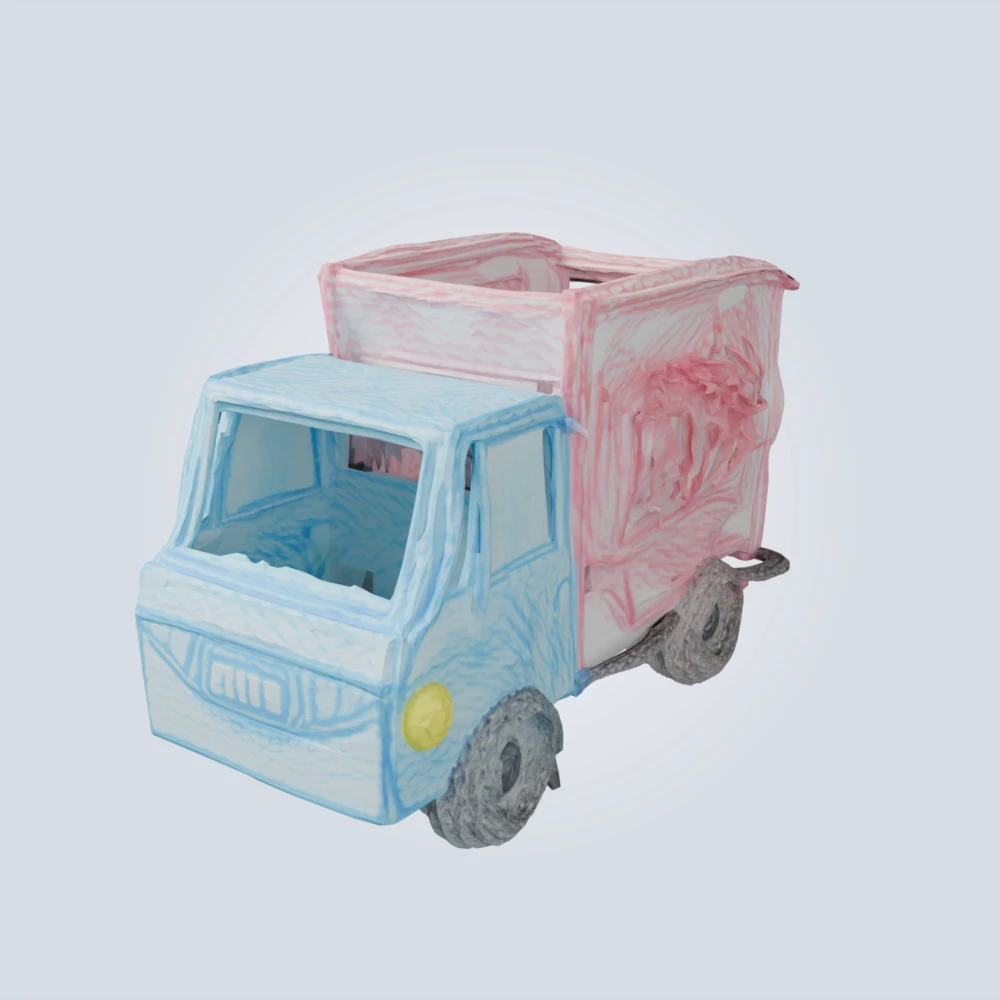
Upload the photo. The subject is detected automatically, the background is removed, and the side the camera never saw is reconstructed rather than guessed. $0.25 for an object or a kid's drawing.
- 2
Check it and export the STL
Spin the model in the browser. Happy? Download the STL free. Want it sharper first? One click re-runs it on our heaviest engine for $0.25 more.
- 3
Slice and print
Load the STL in Cura, PrusaSlicer, or Bambu Studio. Scale it to the size you want, check overhangs for supports, and print. Single-filament prints come out one colour, so paint day is part of the fun.
Why PolyMedium fits
- • Total cost: $0.25 to $0.50 for the model; the STL is free
- • Works from photos, screenshots, and kids' drawings
- • The unseen side is reconstructed, so it prints as a full object
- • No printer? Libraries and print services accept the same STL
Try it free
$3.00 starter balance: twelve $0.25 models, no card required.
FAQ
Can I 3D print from a photo without modelling skills?
Yes, that is the whole point. There is nothing to model or sculpt: the AI builds the mesh from the picture, and your only decisions are print size and colour.
What pictures print best?
One clear subject. Photo quality barely matters because every upload is restaged into a clean reference first; what matters is the object itself. Chunky, solid things print beautifully; very thin parts like spokes or antennae may need supports.
How long does it take?
About a minute to get the model, a few minutes of slicing, and then the print time your printer needs. The digital half of the workflow is minutes, not hours.